Ask us about home AI agent setups - the first in Nashville
Home Assistant

One system.
Your whole house.

Lights, locks, climate, cameras and blinds, running as one system instead of five apps that have never heard of each other. Home Assistant is the layer underneath that makes them cooperate, and it lives on a small computer in your house rather than on somebody else's server.

No cloud subscription. No vendor lock-in. From $599 installed.

This is the whole-home build. If you only need one device working properly, that is smart home setup help, and it starts at $59.
Talk through your setup or call 615-551-2225
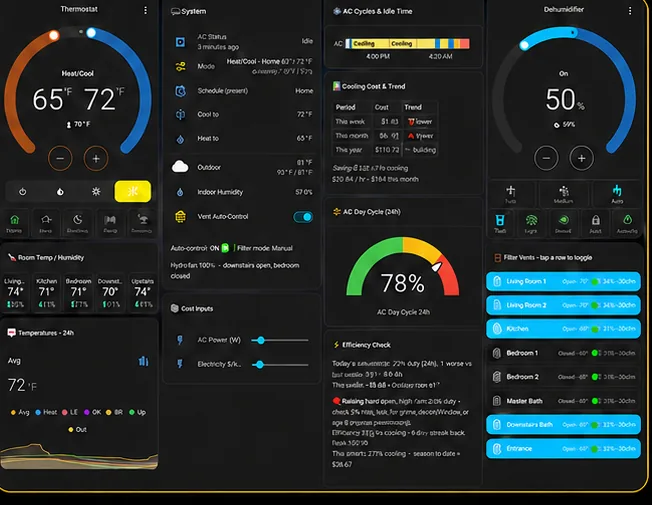
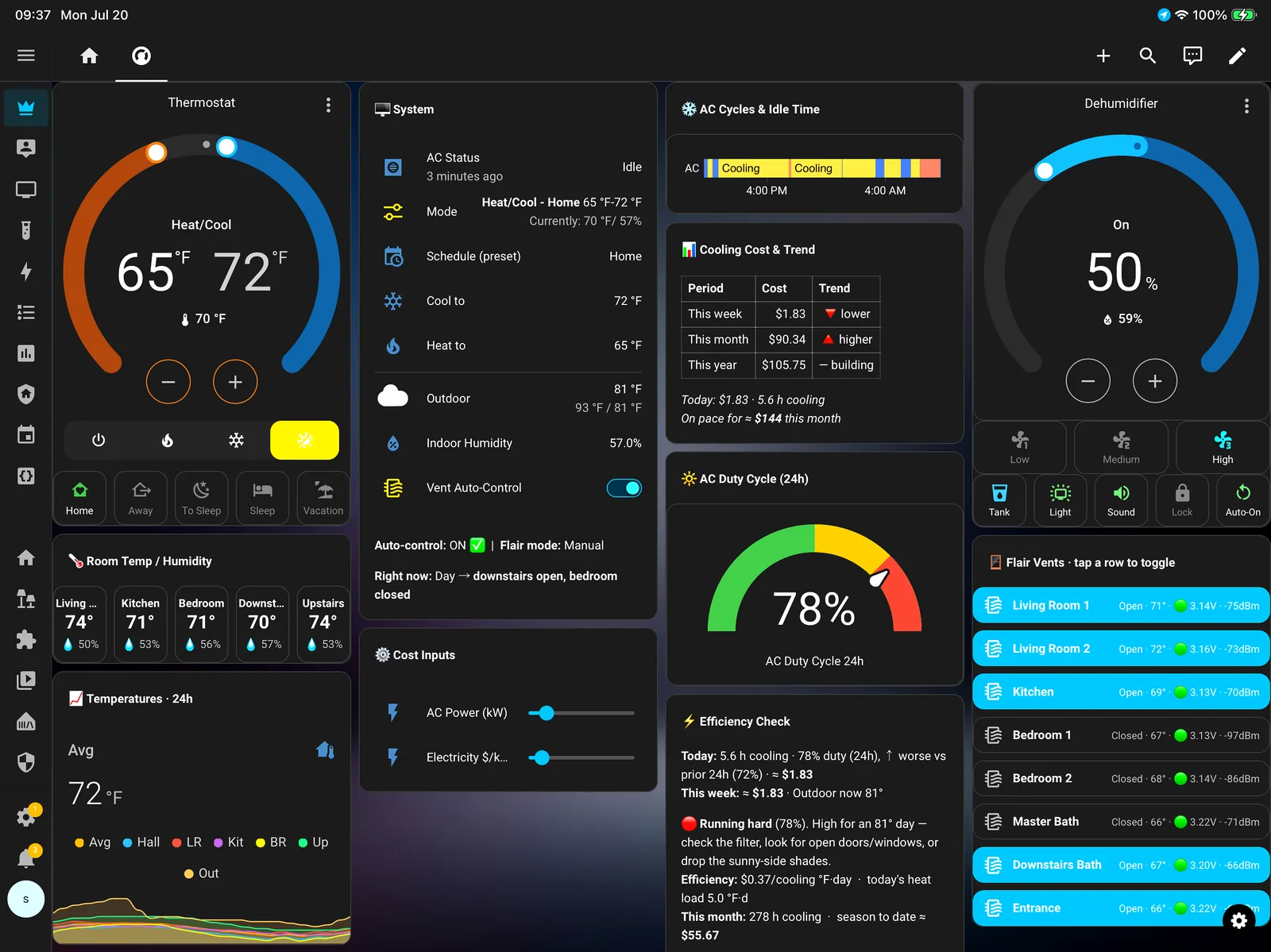
Home Assistant dashboard running on a wall-mounted tablet

Why a hub at all

Three problems that show up in almost every house with more than a handful of smart devices.

Nothing talks to anything

Your lock can't tell your lights you got home, because the two companies have no reason to cooperate. A hub sits underneath all of them and does the translating, so devices from different brands finally act like one system.

It's somebody else's computer

Most smart devices route through a manufacturer's servers. When that company changes its app, raises a price, or shuts a product line down, your house changes with it. Local control means the decision stays yours.

It drifts out of tune

Devices drop off Wi-Fi. App updates break integrations. Automations quietly stop firing and nobody notices for a month. One system with one place to look is what makes that visible instead of mysterious.
What the install actually includes

A hub on a shelf isn't the job. This is the job.

The hub itself, sized to your house and set up to stay quiet Every device you already own brought in and named properly Zigbee, Z-Wave, Matter and Thread radios configured, not guessed at A dashboard laid out around your rooms, not a default grid Phone access for everyone in the house, with the right permissions Your first automations built with you, not handed over as a list Backups that live somewhere other than the hub Voice control kept, if you want it - Alexa, Google or Apple Home Remote access set up privately, or left off entirely A walkthrough at the end so the house isn't a mystery to you Written notes on what was built and why A stalled DIY install picked up wherever it stopped

Running in a real house

These are from the system we run ourselves - around seventy automations across lighting, climate, locks, vents, blinds and cameras. We don't sell a setup we haven't lived with.

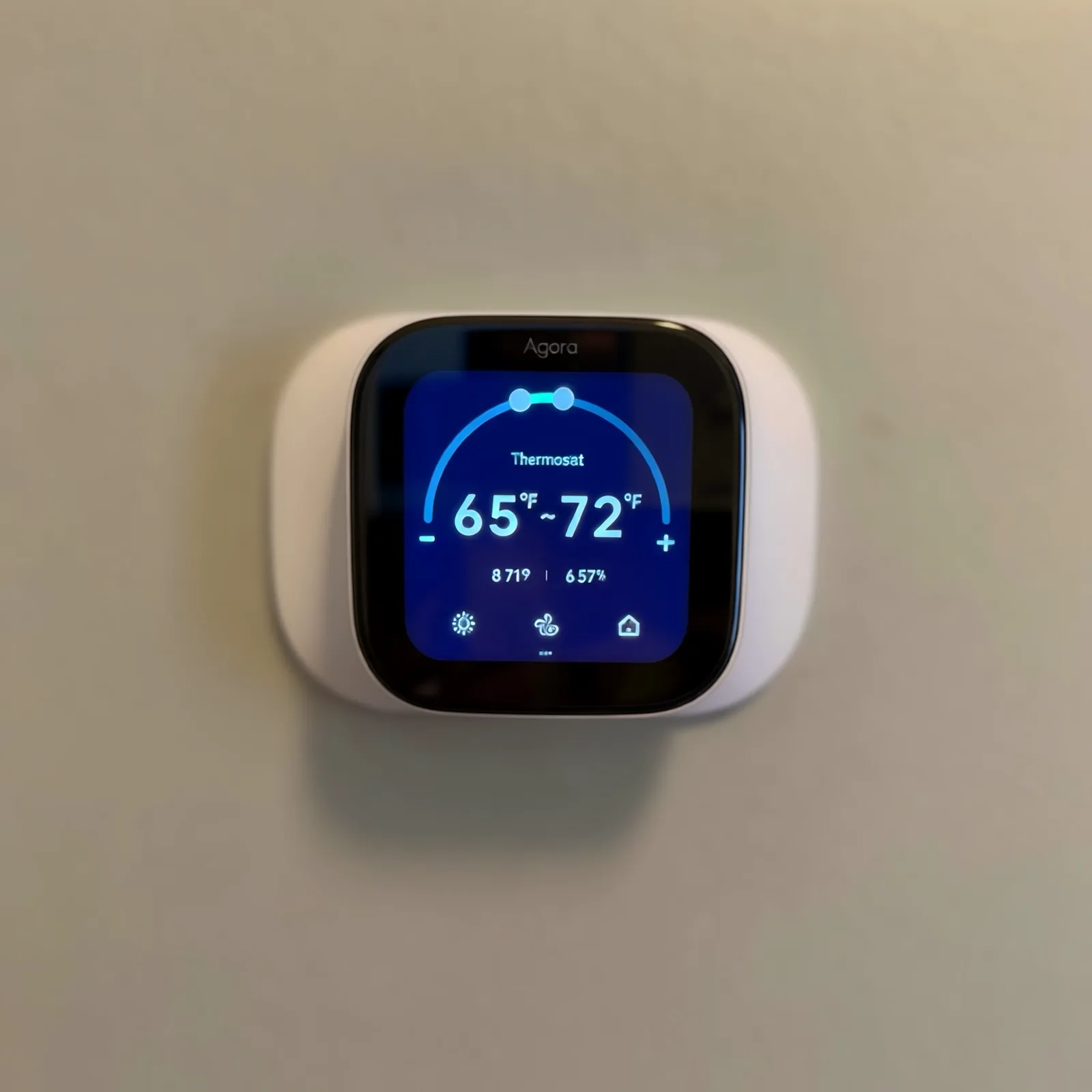
Smart thermostat wired to a heat pump and running on a schedule
Thermostat on the hub, not the app
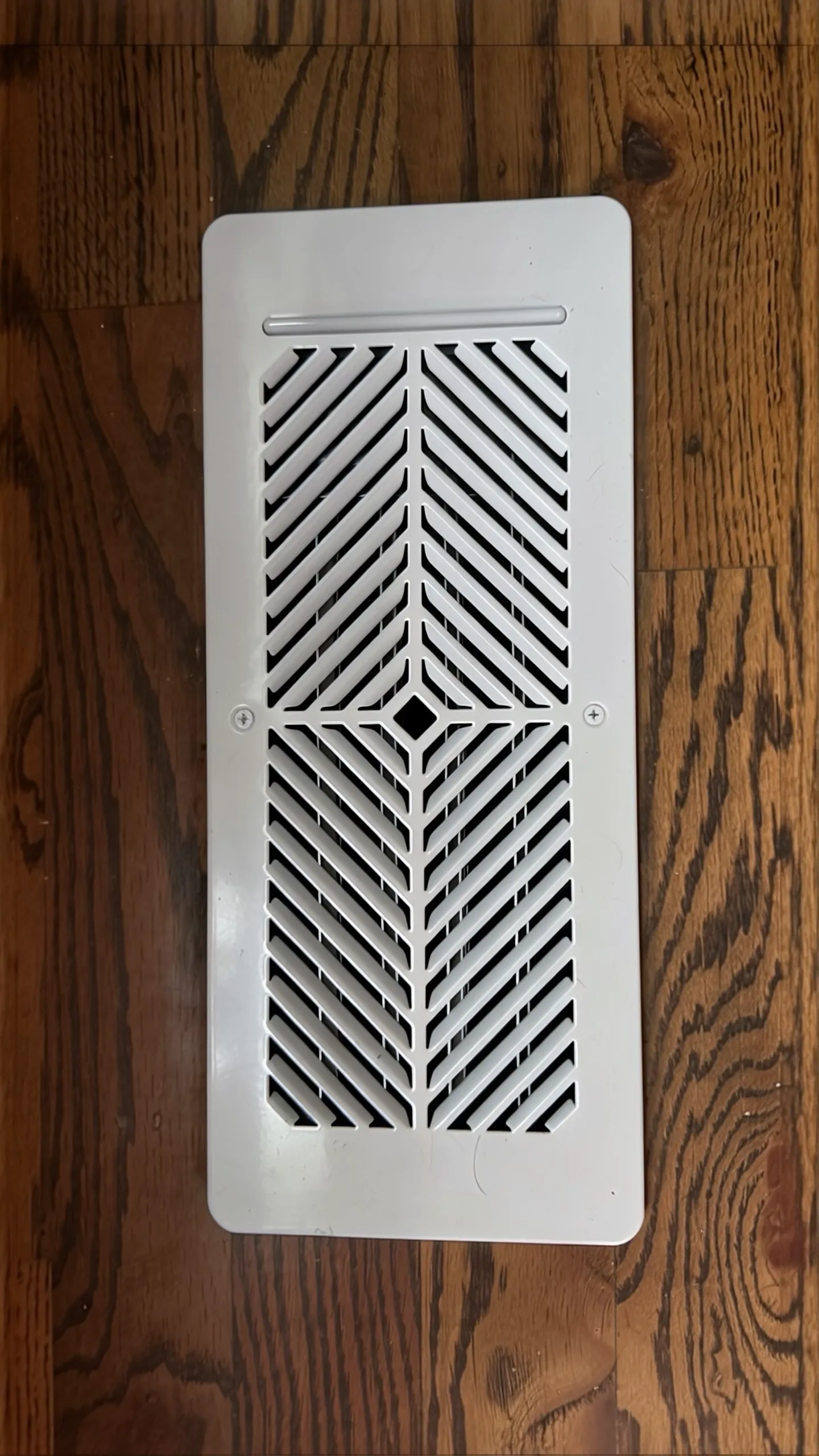
Smart vent register controlling airflow to one room
Vents that answer to room sensors
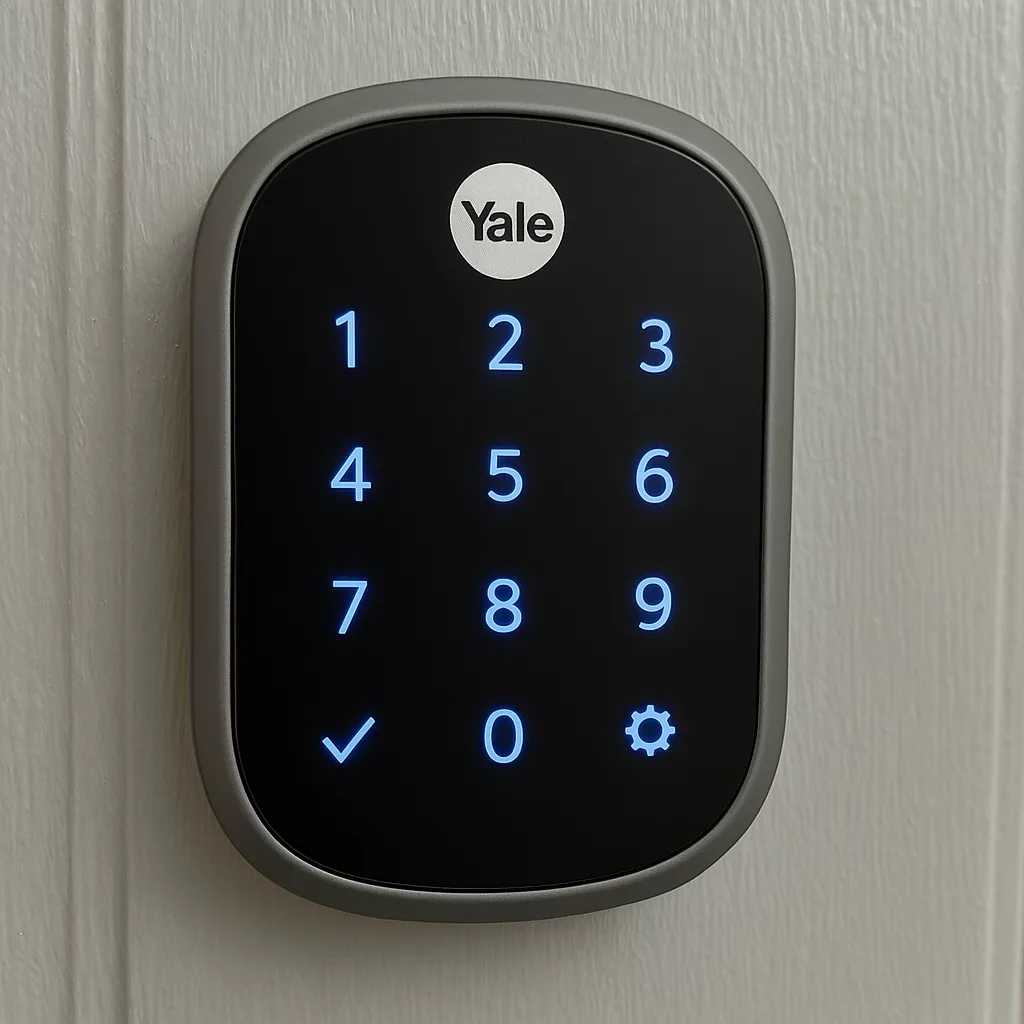
Smart keypad deadbolt integrated into the hub
Locks that report in
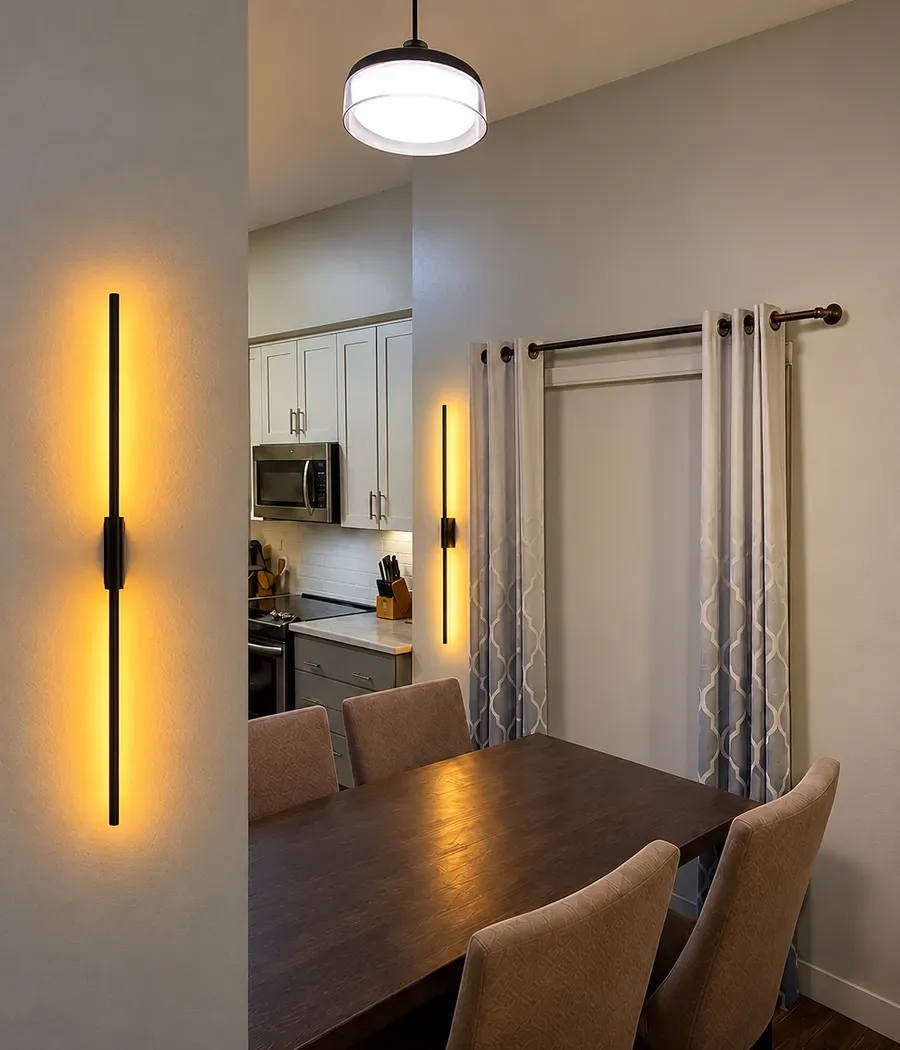
Dining room sconces on a lighting scene
Scenes across brands
Motorized blinds opening on a schedule
Blinds on sun, not on a clock
Wall light running a color scene from the hub
Color, triggered by events

What people actually have it do

Every one of these is running in our own house right now. None of them are hypothetical, and none of them needed a subscription.

Everything locks at 9 PM

Doors lock themselves at night whether or not anyone remembered. If one won't lock because something is in the way, you get told which door.

The house knows you're 10 minutes out

Live drive time, not a geofence circle. Lights and climate start when you're actually close, so you don't walk into a dark house or a cold one.

Rooms get their own temperature

Smart vents opening and closing off real sensors in each room, instead of one thermostat in a hallway deciding for the whole house.

Outside lights follow the sun

Triggered on actual sun elevation rather than a fixed time, so they stay right through the year instead of drifting an hour off every season.

The garage tells you it's open

Real position on the dashboard, and a notification if it's been sitting open. The alert clears itself once the door closes instead of piling up on your phone.

A one-tap mode for the cleaners

Tap a tag by the door and the house unlocks what it should, turns off what it shouldn't run, and puts everything back when they leave.

What it costs

From $599 installed

That covers the hub setup, bringing your existing devices in, a dashboard built around your rooms, and your first automations. It is a starting price, not a teaser - a small house with a tidy device list lands there.

Bigger houses, higher device counts and long automation lists are quoted flat after a walkthrough, so you have the number before anyone starts. Hardware is billed at cost or you bring your own - there's no markup buried in the labor.

Ongoing support is optional and starts at $39 a month. The system does not need it to keep running, and you can cancel it whenever.

Common questions

What is Home Assistant, in plain terms?

An open-source hub that runs on a small computer in your house instead of on a company's servers. It connects to devices from brands that don't cooperate with each other and puts them in one dashboard, so a Govee light, an Aqara sensor and a camera can finally work together.

Do I have to replace what I already own?

Almost never - absorbing what's already there is the whole point. Most Wi-Fi, Zigbee, Z-Wave, Matter and Thread devices come straight across, and many cloud-only brands connect through an integration. We tell you which of your devices come over and which don't before the job, not after.

Does it keep working when the internet goes out?

The local parts do. Lights, locks, sensors and automations running on Zigbee, Z-Wave, Matter or Thread keep going with the internet down, because nothing has to leave the house. Devices that depend on a manufacturer's cloud - some cameras, and voice assistants - stop until service comes back. Building as much as possible locally is exactly why we do it this way.

Is there a monthly fee?

Not for Home Assistant itself. Getting to it from outside the house is optional - a few dollars a month through Nabu Casa, or nothing if we set up a private connection instead. Our support plan starts at $39 a month and is also optional.

What happens if the hub dies?

You restore a configuration instead of rebuilding one, because we set up automatic backups that live somewhere other than the hub. A backup stored only on the machine it's backing up isn't a backup - that's a lesson worth learning from someone else's outage rather than your own.

Can you finish an install I started myself?

Yes, and it's common. A half-built Home Assistant with three integrations working and nine not is a normal starting point, not something to apologize for. See smart home setup help if that's closer to where you are.

Tell us what's in the house

Brands and rough device count is enough to start. We'll tell you what comes across to a hub, what doesn't, and what it costs - before anyone drives anywhere.

Get a Free Quote or call 615-551-2225